
Media
Audio and video — media
Audio and video attachments render with the native browser players. The sample below is a short silent WAV.
Source
![[media-example.wav]]Rendered
Attachments — attachment
A plain WikiLink becomes a download link, and an embedded WikiLink becomes an attachment card.
Source
[[attachment-example.txt]]

![[attachment-example.txt]]
Rendered
This text file is used by the Attachment plugin documentation.PDF — pdf
Embedded PDFs render in the browser's native PDF viewer.
Source
![[pdf-example.pdf]]Rendered
Rich embeds — rich-embed
Turn a URL into an embed for YouTube, Vimeo, Spotify, CodePen, Gist, and more.
Source
```embed
https://www.youtube.com/watch?v=dQw4w9WgXcQ
title: Demo video
caption: A short caption
aspect: 16/9
```
Rendered
Gallery cards — gallery
Source
```gallery
columns: 3
items:
  - title: Default
    description: A clean, typographic theme.
    href: https://riebeckite.dev/docs/themes/default
  - title: Minimal
    description: Stripped back to the essentials.
    href: https://riebeckite.dev/docs/themes/minimal
  - title: Gruvbox
    description: A warm, high-contrast palette.
    href: https://riebeckite.dev/docs/themes/gruvbox
```
Rendered
Excalidraw — excalidraw
Embedding an Excalidraw note replaces it with an SVG in the browser. This site embeds the drawing in assets/HW.md.
Source
![[HW]]Rendered
Responsive image — responsive-image
Embedding an image with ![[...]] expands to a <picture> element with multiple size candidates when the variants exist.
Source
![[riebeckite-logo-horizontal.png]]Rendered

Lightbox — lightbox
Click the image to open it in an accessible dialog.
Source
![[riebeckite-logo.png]]Rendered

AutoCardLink — autocardlink
A cardlink fence with a URL and metadata becomes a link card.
Source
```cardlink
url: https://example.com/riebeckite
title: Riebeckite
description: A tool that builds a static site from Markdown
host: example.com
```
Rendered
Image comparison — image-compare
A fenced image-compare block shows two images with a draggable divider. Without JavaScript, both images stay visible with Before and After labels.
Source
```image-compare
---
before: ../../../assets/themes/theme-default-light.png
after: ../../../assets/themes/theme-default-dark.png
beforeAlt: Default theme in light mode
afterAlt: Default theme in dark mode
label: Default theme, light to dark
---
```
Rendered
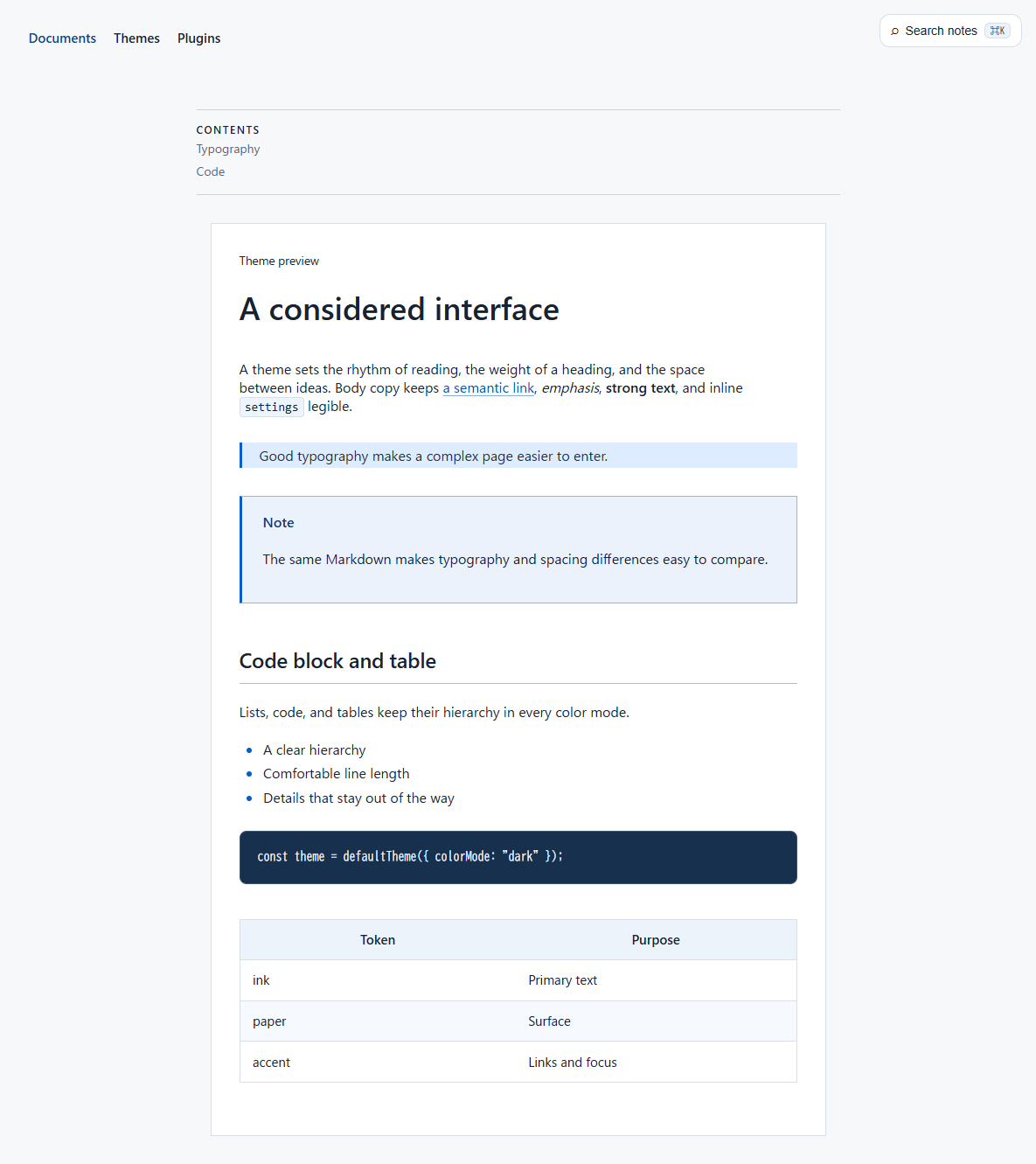 Before
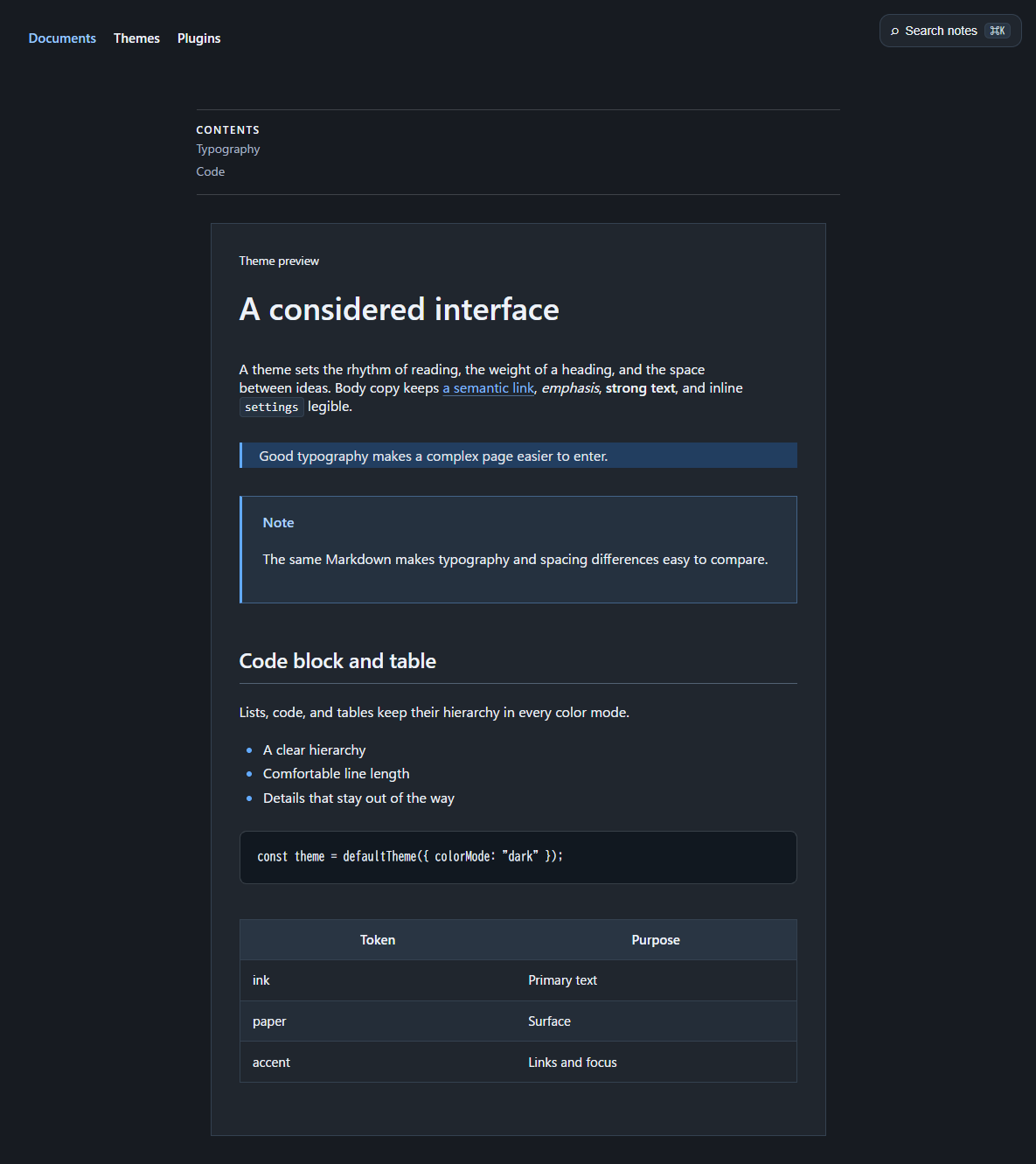 After
Powered by Riebeckite