
Fieldnotes
Interactive preview
Try Fieldnotes
Plugins are not applied in this preview, so it may differ slightly from your published site.
Theme settings
Overview
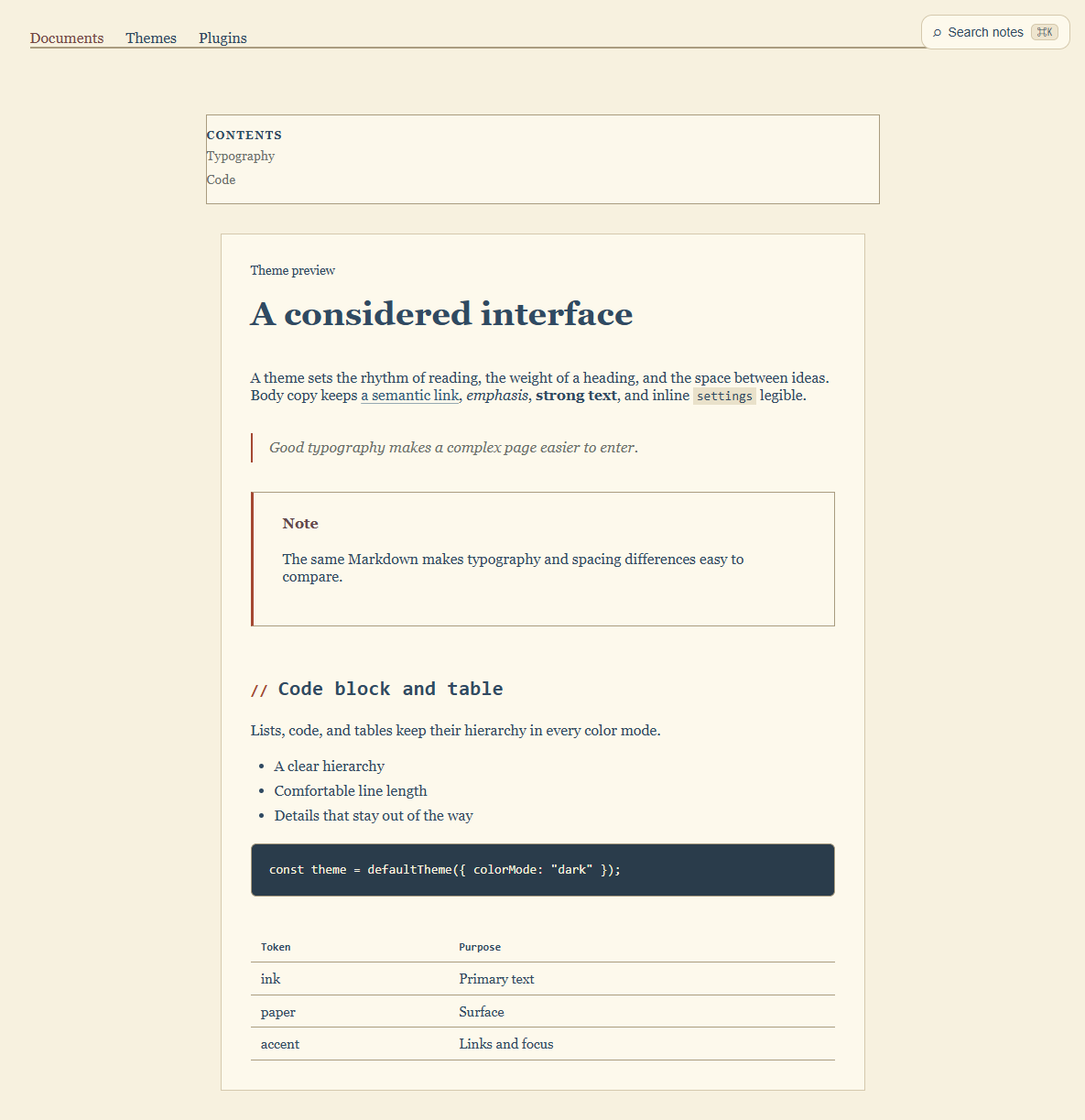
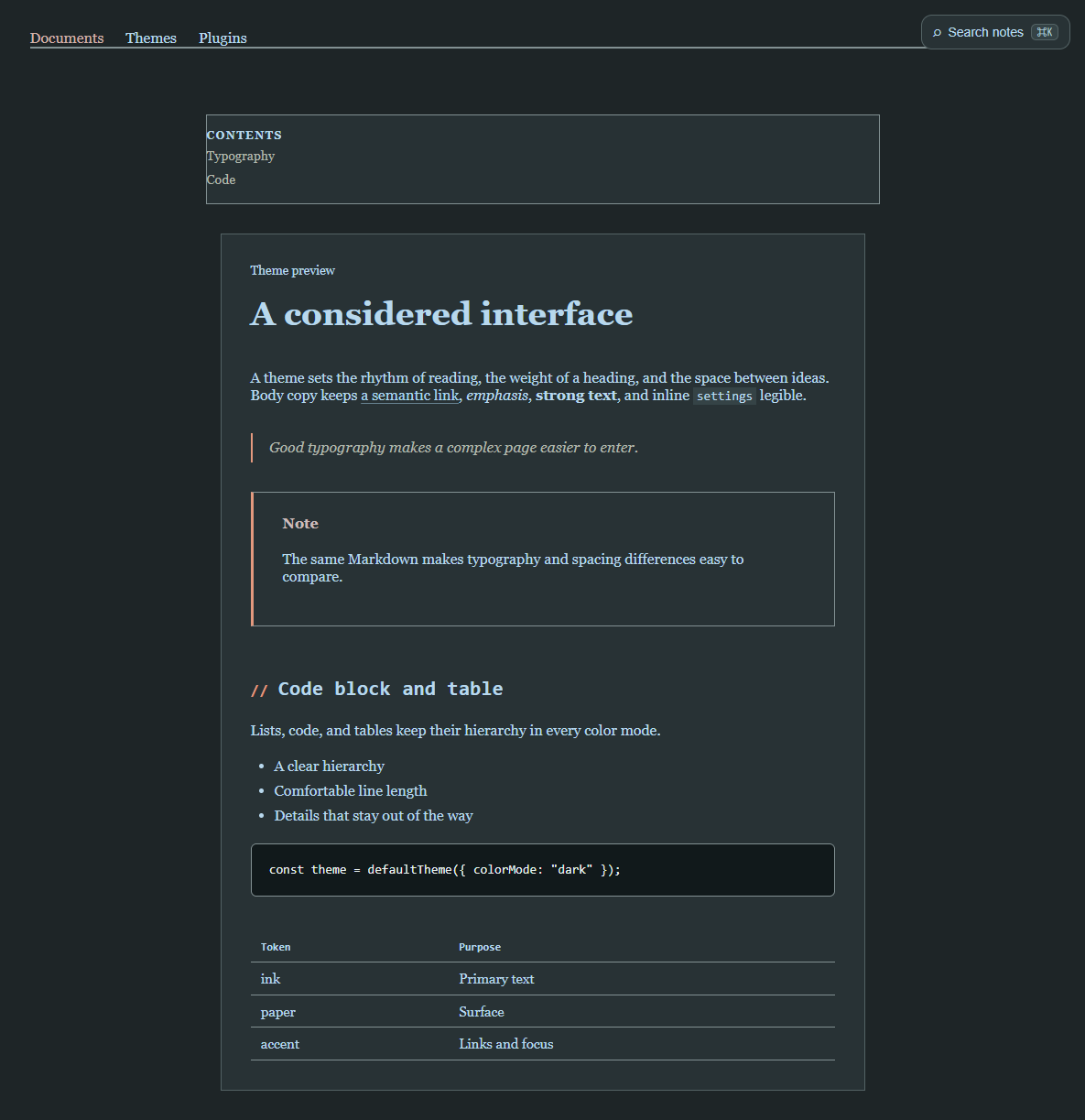
@riebeckite/theme-fieldnotes provides the official Fieldnotes theme. Its theme identity is fieldnotes. A notebook-inspired reading surface with paper and annotation details.
Rendered example
Light
Dark
Installation
npm install @riebeckite/theme-fieldnotesUsage
import { defineConfig } from "@riebeckite/core";
import { fieldnotesTheme } from "@riebeckite/theme-fieldnotes";

export default defineConfig({
  theme: fieldnotesTheme({
    colorMode: "system",
    preset: "journal",
    settings: { typography: "system" },
  }),
});
Common options
| Property | Values | Description |
|---|---|---|
colorMode |
"light", "dark", "system" |
Chooses the color mode. "system" follows the browser preference. |
layout |
"article", "sidebar", "full-width" |
Chooses the page layout. |
preset |
journal, laboratory, archive |
Applies a named set of theme settings before explicit settings. |
settings |
object | Overrides the settings listed below. Unknown keys and invalid values are rejected. |
stylesheets |
string array | Loads site-owned stylesheets after the theme CSS. |
Resolution order is schema defaults, then the selected preset, then explicit settings.
Theme settings
| Property | Type | Default and allowed values | Effect |
|---|---|---|---|
typography |
select | "system" — system, serif, sans, mono |
Selects the article typeface. |
fontSize |
slider | 1.05 — 0.95–1.25, step 0.05 |
Article text size in rem. |
lineHeight |
slider | 1.8 — 1.5–2.1, step 0.05 |
Article line height. |
paperStyle |
select | "ruled" — plain, grid, ruled, dotted |
Selects the paper background pattern. |
inkColor |
color | "#304a62" |
Primary writing and annotation color. |
marginRule |
boolean | true |
Shows the notebook margin rule. |
indexMarks |
boolean | true |
Shows notebook index marks. |
texture |
boolean | true |
Shows the paper texture. |
Presets
| Preset | Label | Applied settings |
|---|---|---|
journal |
Journal | { paperStyle: "ruled", marginRule: true } |
laboratory |
Laboratory | { paperStyle: "grid", indexMarks: true } |
archive |
Archive | { paperStyle: "plain", texture: false, marginRule: false } |
CSS and attributes
The root receives data-rb-theme="fieldnotes", data-rb-mode for an explicit light or dark mode, and data-rb-layout. Every setting is reflected as data-rb-setting-<name>; color, number, and slider settings are also available as safe --rb-setting-<name> custom properties.
See also
Theme API and Writing a theme.